| Fleet function | What the fleet layer does | Planning use |
|---|---|---|
| Task allocation | Adapts and redistributes tasks in real time in response to production requirements | Decide which work types and priorities the system must handle before choosing a product |
| Traffic management | Analyzes the position of all vehicles, considers traffic flows and obstacles, and prioritizes pending tasks | Check how shared aisles and crossings are governed, not only how each robot navigates |
| Deadlock handling | Vendor states that deadlocks can be avoided with its navigation software | Ask any vendor to explain how stalls are prevented and what happens when one occurs |
| Interoperability | VDA 5050 defines uniform interfaces and protocols between vehicles and higher-level systems | Look for VDA 5050 support when robots come from different makers |
| Energy | Opportunity charging extends operational uptime | Treat charging as a scheduled resource, not an afterthought |
| Equipment links | Connects mobile robots and OT equipment via OPC protocols | List the doors, conveyors and machines the robots must work with |
Function descriptions follow Bosch Rexroth’s overview of mixed-fleet orchestration and the Blue Path Robotics fleet management page.
Robot fleet management software coordinates many robots from one central system. It allocates tasks, governs shared traffic, avoids deadlocks and links different robots through common interfaces. Settle task rules and traffic rules before adding integrations.
This guide stays at the fleet level rather than single-robot navigation, which belongs to the wider topic of indoor autonomous robots. The sections follow a sensible order of work: scope, connection, tasks, traffic, standards, building links and troubleshooting.
Scoping what the fleet system must do
A fleet management system is the central layer above individual robots. Bosch Rexroth describes a central system that controls orders for autonomous mobile robots and manages traffic in the warehouse. Blue Path Robotics describes a fleet product with oversight of material flows, peripheral communication, fleet management and operations monitoring via a dashboard.
That scope is the useful starting checklist. If a candidate system covers orders, traffic and monitoring, it is doing fleet-level work. If it only sends a single robot to a single goal, it is not.
Bosch Rexroth also cites forecasts that, by 2028, 50 % of large companies will use mobile robots in their warehouse or production operations. It also cites a forecast that, by 2026, more than 50 % of companies using intralogistics robots will use a multi-agent orchestration platform. These are vendor-cited projections, so read them as a sign of direction rather than a guarantee. They do suggest that coordination software is becoming a normal part of a robot deployment.
Connecting robots to the fleet system
Every robot has to tell the fleet layer where it is and what it is doing. In Open-RMF, a robot state message includes the robot name, mode, battery_percent, location and path, as shown in a developer thread on integrating a robot with RMF. The location in that example is where the robot thinks it is.
What Open-RMF is
Open-RMF is open-source software for managing robot fleets. A training announcement describes courses on configuring, deploying and managing fleets with it, including Free Fleet setup for AMRs. The same announcement covers building a custom fleet adapter that integrates a robot’s API and ROS2 systems into RMF.
The forum thread shows what that looks like in practice. A developer integrated a Nav2-enabled robot with RMF through a fleet_adapter.py script on ROS2 Humble and Ubuntu 22.04. Plan for adapter work whenever your robot did not ship with RMF support.
Steps for onboarding a robot
- Define the state report. Make the robot publish its name, mode, battery level, location and path.
- Build or adopt an adapter. Translate between the robot’s own API and the fleet system’s messages.
- Check the reported location. The fleet only knows the pose the robot believes in, so a wrong pose misleads every other robot.
That last step links fleet management to localization. A robot that has been moved without warning is the kidnapped robot problem, and in a fleet the damage spreads because other robots plan around a false position. The single-robot side of how do indoor robots localize without gps is covered separately.
Allocating tasks across robots
Task allocation is the fleet layer’s answer to which robot does which job. Blue Path Robotics says its system adapts and redistributes tasks in real time, responding to production requirements. Bosch Rexroth argues that orchestration should assign work using real-time information on activity and agent capabilities, and it names the VDA 5050 standard as an example of that kind of function.
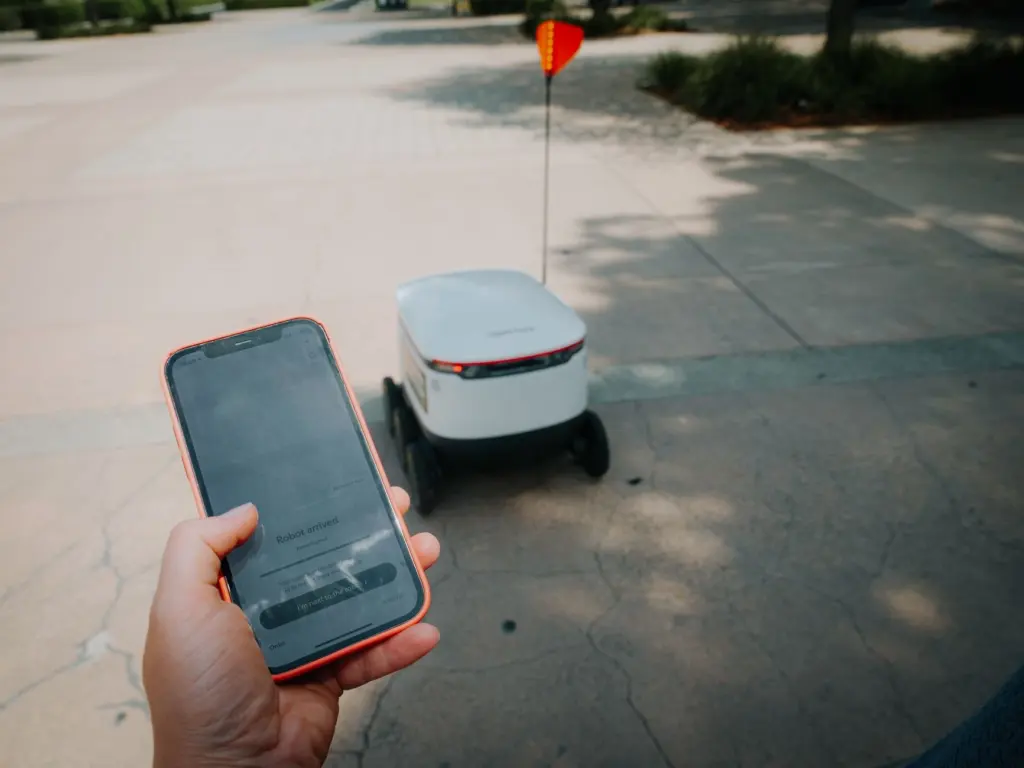
The Open-RMF training announcement lists basic task types: Deliver, Clean, Patrol and Charge. The list is useful for scoping. Before choosing software, write down your own task types and check that the system can represent each one.
- Capabilities matter. A mixed fleet needs allocation that knows what each agent can do, not just which robot is closest.
- Charging is a task. Charge appears alongside Deliver and Patrol in the Open-RMF task list. Blue Path says opportunity charging extends operational uptime.
- Emergencies reshuffle work. Blue Path lists emergency management that reprioritizes tasks quickly. Ask how a system re-plans when a robot drops out.
Traffic rules and deadlock avoidance
Traffic management is where a fleet differs most from a set of independent robots. Multi-robot path planning in the Bosch Rexroth description analyzes the position of all vehicles, considers traffic flows and obstacles, and prioritizes pending tasks. The plan is made for the whole fleet, not robot by robot.

Why deadlocks matter
A deadlock is a stalemate in which robots block one another. Bosch Rexroth says operations become inefficient when deadlocks and congestion affect productivity, and that such situations can require manual moves. Its ROKIT Navigator product is described as able to avoid deadlocks, which is a vendor statement and a useful question to put to any supplier.
What to ask a supplier
- Planning scope. Does the planner see every vehicle’s position and pending tasks, or only nearby robots?
- Recovery. When a stall happens anyway, does the system resolve it or does an operator have to move a robot?
- Congestion visibility. Can the dashboard show where robots are queuing, so you can change layouts or task priorities?
Interoperability with VDA 5050
VDA 5050 is a standard that defines uniform interfaces and protocols for communication and coordination between vehicles and higher-level systems, according to Bosch Rexroth. Its scope is the link between vehicle and fleet controller, not the way a robot navigates internally.
It matters because Bosch Rexroth says simple point-to-point API integration stops sufficing as a robot fleet grows. A shared interface lets a fleet manager talk to robots from different makers without a custom connection for each. The same source describes its ROKIT Navigator as fully VDA 5050 compatible, so that it integrates into modern fleet management systems.
Choose by fleet mix. A single-vendor fleet may be fine with that vendor’s own software. A fleet with several robot types should favour VDA 5050 support, or, as in the Open-RMF route above, accept the cost of writing adapters.
Building and equipment integration
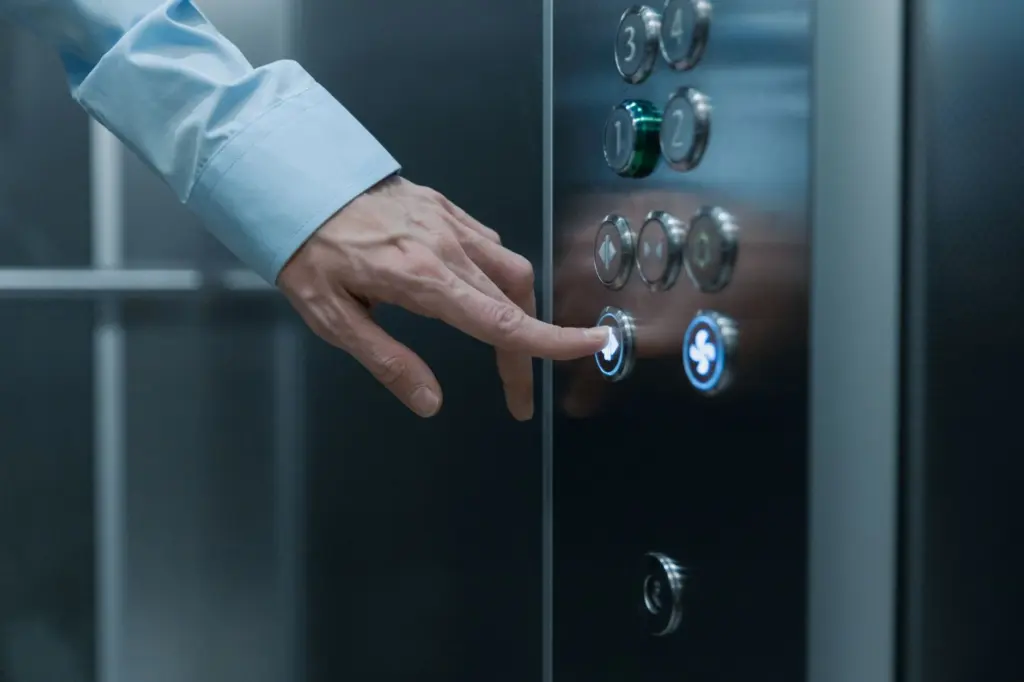
Fleet software also has to work with equipment that is not a robot. Blue Path Robotics says its system connects mobile robots and OT equipment via OPC protocols for consistent operation. Doors, conveyors and machines are typical examples, so list them during scoping.
Troubleshooting a stalled fleet
- Robots stopped in a cluster. Suspect a deadlock or congestion. Bosch Rexroth notes these can force manual moves, so check whether your system detects and resolves them.
- A robot appears in the wrong place. Compare the reported location with reality. The state message carries where the robot thinks it is, so a localization fault shows up as bad fleet data.
- A new robot will not appear. Check the adapter first, since it translates the robot’s API and ROS2 systems into the fleet system.
- Work is not being assigned. Confirm the task type exists in the system and that the robot’s reported capabilities match it.
Frequently asked questions
Does a small fleet need orchestration software?
It depends on growth. Bosch Rexroth says simple point-to-point API integration will no longer suffice as a fleet grows, so plan for orchestration if you expect to add robots or mix makers.
Are Open-RMF and VDA 5050 the same thing?
No. Open-RMF is open-source software for managing robot fleets, while VDA 5050 is a standard defining interfaces and protocols between vehicles and higher-level systems.
Which operating modes does an RMF robot report?
The RMF robot state message in the developer thread defines mode codes: 0 idle, 1 charging, 2 moving, 3 paused, 4 waiting and 5 emergency.