| Position source | What it gives the robot | Main weakness | Planning use |
|---|---|---|---|
| Wheel odometry | Change in position relative to the previous position, from motion sensors | Errors from wheel slippage | Use as the fast, continuous baseline, never as the final answer |
| Inertial measurement unit (IMU) | Motion data that can fill the time between other updates | Prone to biases, drifts and other errors | Use alongside encoders so one covers the other’s blind spots |
| Lidar | Distance to objects, measured from the time a signal takes to travel out and back | Needs surroundings that give it something to measure | Use for correcting drift by comparing scans with the surroundings |
Figures and behaviours above follow the Extrica localization review and the Fictionlab overview of localization methods.
How do indoor robots localize without GPS? They combine relative motion from wheel encoders and an IMU with lidar readings compared against a map. No single sensor is trusted alone, and each corrects the others’ weaknesses.
This guide gives the big-picture answer for indoor autonomous robots. It follows the order in which information arrives: a quick motion estimate first, then corrections, then recovery when things go wrong.
Why GPS is not the indoor answer
GPS is a poor fit inside buildings. Fictionlab notes that tunnels and indoor spaces pose a serious obstacle for GPS, so a robot cannot count on a usable signal in a corridor or warehouse aisle.
Accuracy is a second problem. Vicon describes a consumer GPS signal as typically accurate only to within several meters, and Fictionlab puts off-the-shelf GPS sensors at an accuracy of 1 to 20 meters. That is too coarse for a robot that must pass through a doorway or stop at a shelf. Even with a clear signal, an indoor robot needs another source of position.
That source is the robot’s own sensing of its surroundings. Localization, in Vicon’s wording, means determining the vehicle’s exact position and orientation relative to its surroundings, and every method below serves that goal.
Localization versus mapping
Localization answers “where am I?” and mapping answers “what does this place look like?” Localization estimates the robot’s position and orientation relative to its surroundings. Mapping records those surroundings.
The two meet in SLAM. Vicon describes SLAM as letting a vehicle build or refine a map of an unknown area while tracking its position. Extrica adds that SLAM aims for a globally consistent estimate of the robot trajectory and map, using loop closure to reduce drift. If the building has already been mapped, the robot can skip the map-building and only localize. For the mapping side, see what is slam in robotics.
Dead reckoning between corrections
Dead reckoning is the fast, always-on part of localization. Extrica explains that motion sensors can determine the change in an object’s position relative to a previous position over time. That is what wheel odometry does: encoders count wheel motion and the robot adds each step to its last known pose.
Why wheel odometry drifts
Odometry drifts because every estimate builds on the previous one. Extrica lists errors that can result, for example, from wheel slippage, and Fictionlab adds that there is always some tire slippage with wheeled rovers, so encoder data can be far from the actual motion. Small errors are never cancelled by the sensor itself, so they carry forward and the estimated pose slowly separates from the real one.
What the IMU adds
An IMU measures the robot’s own motion without depending on wheel contact, which makes it a useful partner for encoders on slippery floors. It is not a cure, though. Fictionlab points out that IMUs are prone to biases, drifts and some other errors. Treat both as short-horizon sources that need regular correction.
- Start from a known pose. Local methods need an approximately known starting location, as Fictionlab notes.
- Integrate encoder motion. Add each wheel-based step to the previous pose estimate.
- Cross-check with the IMU. Use inertial data to notice motion the wheels did not report, such as a slip.
- Schedule a correction. Hand the estimate to scan matching or map matching before the error grows.
Correcting drift with lidar and a map
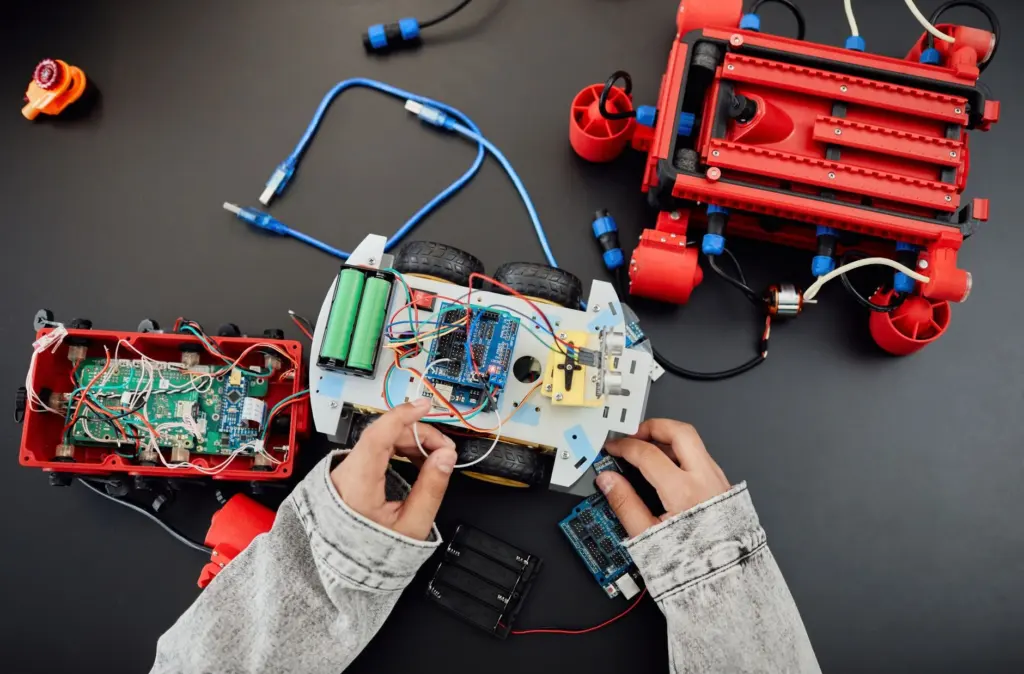
Lidar gives the robot a direct measurement of the world rather than of its own motion. Fictionlab explains that the distance between sensor and object is found by measuring the time the signal needs to travel to the object and back. Lidar, ultrasonic sensors and onboard cameras all belong to the family of local devices Fictionlab lists alongside the IMU and encoders.
Using a map the robot already has
With a stored map, localization becomes a matching problem. Vicon describes it simply: as the vehicle moves, it compares live sensor data against the map to pinpoint its location. For lidar, the same source says the point cloud can be accurate to a few centimeters when matched against a detailed map. A stored map such as an occupancy grid map gives those scans something fixed to line up against, which is why a correction from the map can undo the drift that odometry accumulated.
Particle filters and other estimators
The robot still has to decide which candidate pose best explains the scan. Extrica identifies particle filters and Kalman filters as the key filter choices for this job. A particle filter keeps many candidate poses alive and lets the scan evidence favour some over others. The choice between them is a design decision, and the practical point is that the filter turns noisy readings into one running position estimate.
- Predict the pose. Move the last estimate forward using odometry and inertial data.
- Measure the surroundings. Take a lidar scan of the nearby walls and objects.
- Compare with the map. Score how well the scan fits the map at the predicted pose.
- Update the estimate. Shift the pose toward the better-fitting position and repeat.
How the sources combine
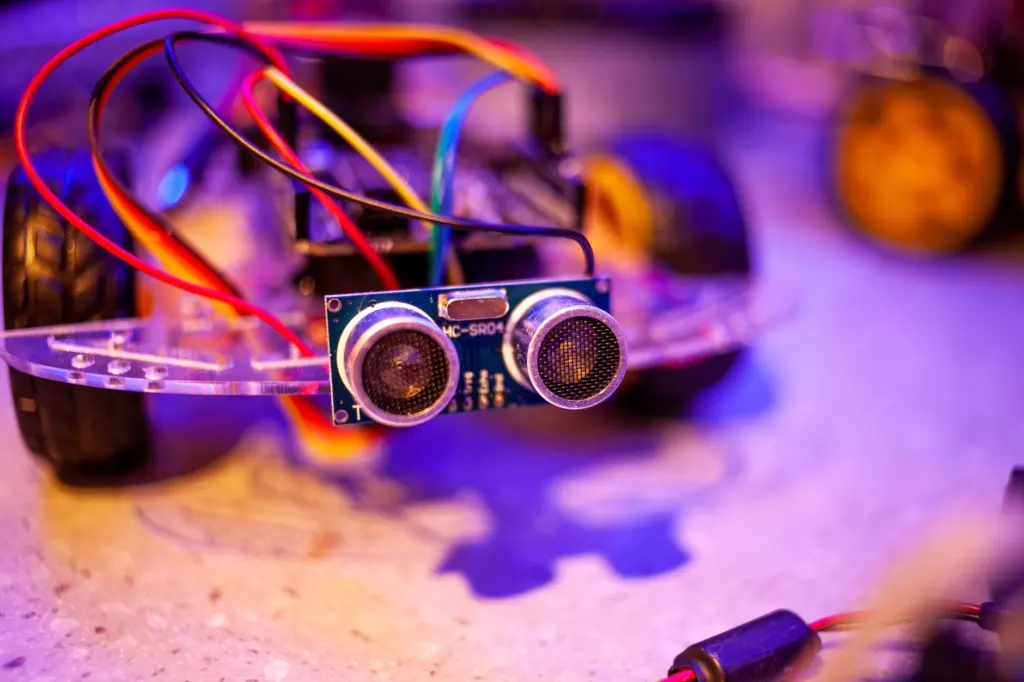
The strength of the design is that the sources fail in different ways. Vicon states it plainly: no single sensor does the job. Extrica makes the trade-off explicit, saying that employing multiple methods to localize a single object minimizes the error rate, at the cost of added complexity.
- Odometry and IMU supply continuity. They update quickly and keep the pose moving between scans, but both drift.
- Lidar and the map supply correction. They anchor the pose to the building, so drift does not grow without limit.
- Cameras add context. Vicon notes that vision fills gaps that geometry alone cannot, such as semantic detail a lidar point cloud lacks.
For a team choosing hardware, the sensible starting point is encoders plus an IMU for motion, lidar for correction, and a map of the site. Add cameras if the environment offers little structure for lidar to match. Accept the extra complexity only where a single source has proven too error-prone.
When the robot is lost or moved by hand
A robot is most at risk when it has no good starting point. Fictionlab explains that local methods need an approximately known start location and normally cannot recover if they lose track of the robot’s position. If someone lifts the robot and sets it down elsewhere, the dead-reckoned pose is simply wrong, and corrections that assume a small error will not fix it.
- Stop trusting the old pose. Treat the position estimate as invalid after a manual move or a long run of poor matches.
- Restore an approximate start. Return the robot to a known location or give it a rough position, since local methods depend on one.
- Let scan matching re-converge. Once the starting estimate is close, comparing live scans with the map can pull the pose back in.
- Watch for repeat failures. If the robot keeps losing track in the same place, treat that spot as a localization problem, not bad luck.
Operations running many robots will want to see how robot fleet management software treats a robot that has lost its position, because one stranded unit affects everything around it.
Frequently asked questions
Is GPS ever useful for an indoor robot?
Not as the main source. Indoor spaces are a serious obstacle for GPS, and even a good consumer fix is typically accurate only to within several meters, which is too coarse for tight corridors.
Can cameras replace lidar for localization?
Cameras and lidar do different jobs. Lidar gives geometric distance, while Vicon notes that vision fills gaps geometry cannot, such as semantic context. Many systems use both rather than choosing one.
Is combining many sensors always better?
It reduces error, but it has a cost. Extrica notes that using multiple methods minimizes the error rate at the price of added complexity, so add sources where a single one has proven unreliable.