Quick answer: Visual SLAM for indoor robots uses camera images to estimate the robot’s position while building a map. It suits rooms with steady lighting and textured surfaces. Choose stereo or a depth-sensing camera when metric depth matters.
This guide covers the camera side of the problem: which setup to pick, how the pipeline runs, and where it breaks. For the wider picture, see indoor autonomous robots, and for the general concept read what is slam in robotics. If a laser scanner is also on the table, lidar vs camera for robot navigation sets the two side by side.
Choosing a camera setup
The first decision is how the robot gets depth. A survey of visual SLAM in PMC notes that monocular and stereo cameras are both applied in visual SLAM, and a vendor’s indoor system adds depth-sensing hardware on top of ordinary images. Three questions decide which suits a given robot.
- Do you need metric depth directly? A stereo pair or a depth camera supplies depth from the hardware. A single camera has to infer it from motion, so distances need extra care when the robot must stop precisely.
- How much does the lighting vary? Camera-based methods are sensitive to lighting changes, so rooms with windows, switched lights or dark corners favour a setup that is tested in those conditions.
- How simple must the hardware be? One camera is the leanest option. Each extra sensor adds mounting, calibration and data to process.
| Setup | What it supplies | Planning use |
|---|---|---|
| Monocular camera | A single stream of images | Suits compact or low-cost robots; plan for how scale is recovered and test it on the real route. |
| Stereo camera | Two views of the scene from one module | Suits robots that need depth from camera hardware alone; check it in the lighting of the target rooms. |
| Depth-sensing (RGB-D style) camera | 2D images plus 3D point cloud data; one vendor sensor reports a 10 Hz frame rate | Suits indoor navigation where direct depth is wanted; confirm the frame rate matches the robot’s speed. |
Figures and setup descriptions come from the visual SLAM survey on PMC and the MRDVS indoor navigation write-up.
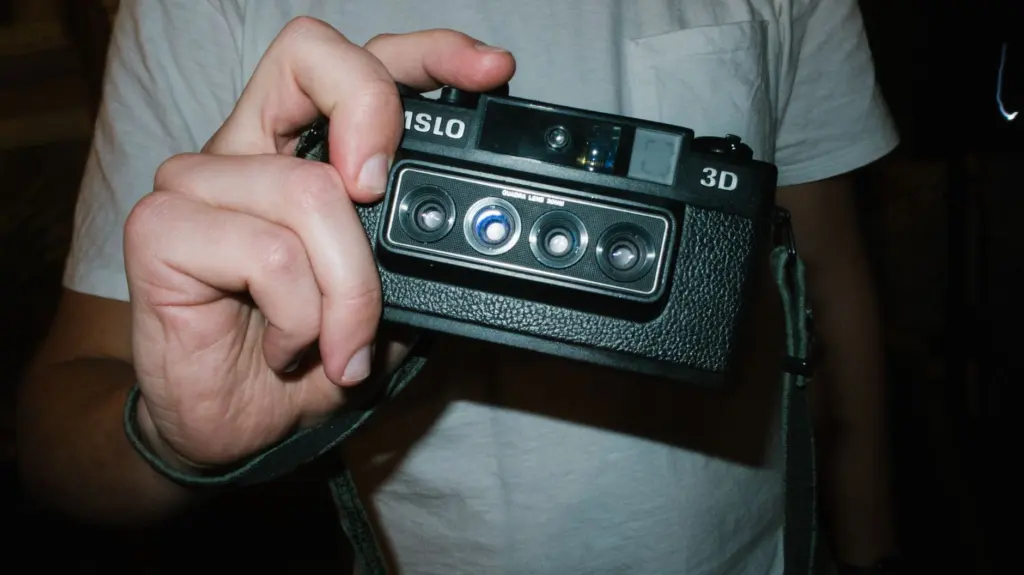
A reasonable default: start with stereo or a depth camera for a robot that must plan around obstacles, and keep monocular for cases where weight and cost dominate. Once the sensor is chosen, the next question is what the software does with its images.
How a camera-only pipeline works
In camera-based SLAM the robot uses pictures to work out where it is and to create the map it needs, as the survey puts it. Mapping and localization depend strongly on each other, so neither can be finished first. The stages below show how that loop runs with only a camera.
Feature extraction
The pipeline starts by picking out points it can find again. The MRDVS pipeline extracts corner features from RGB texture images and uses geometric information from point cloud data alongside them. Corners and textured patches are what the later stages track, so the quality of this step limits everything after it.
Visual odometry
Visual odometry estimates how the camera moved between frames. The same vendor pipeline describes this as estimating inter-frame motion transformations. Visual odometry on its own drifts over time, which is why the mapping stage keeps checking the estimate against what has already been seen.
Loop closure and the map
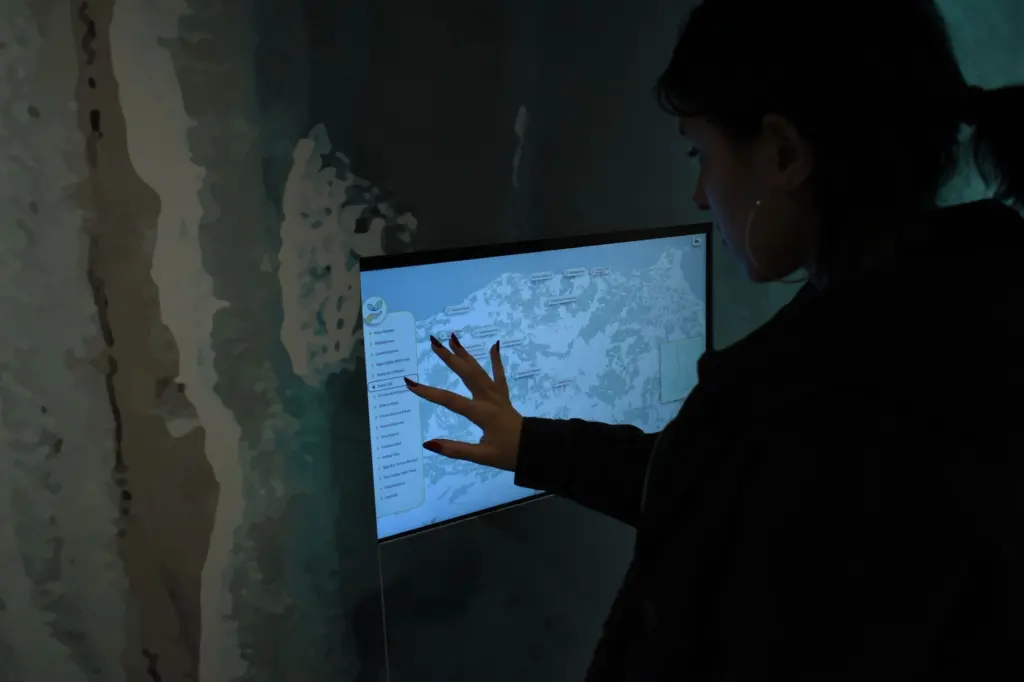
Loop closure recognises a place the robot has already visited and pulls the accumulated drift back into line. The MRDVS pipeline searches automatically for loop closure frames within close spatial distances. Indoors, the finished product is typically a map built from tracked points, viewed on a screen like the one below.
The vendor’s sensor provides 2D images and 3D point cloud data, which lets this kind of pipeline combine texture and geometry. That leads to a practical question for anyone who wants a ready-made system rather than writing one.
Using ORB-SLAM indoors
ORB-SLAM is a common starting point for experiments, and discussions in the rtabmap_ros issue tracker show what happens when it is combined with another mapping framework. The maintainer’s advice is that ORB-SLAM must be made to work like a visual odometry node only. Its own loop closure detection has to be disabled, otherwise it cannot be used with rtabmap.
- Pick one owner for loop closure. When a second framework handles mapping, let it do the closing and run ORB-SLAM as the odometry source.
- Do not feed placeholder uncertainty. A visual odometry covariance with only unit values on the diagonal produces very bad graph optimization, according to the same thread. Supply a meaningful covariance instead.
- Use it standalone when you can. If one system should do localization and mapping end to end, keep loop closure on and avoid the integration issue entirely.
These notes come from a community discussion rather than the ORB-SLAM authors, so treat them as integration experience, not specification. Whichever route is chosen, the same environmental limits apply.
Where visual SLAM fails indoors
Visual SLAM fails indoors when the camera cannot see enough stable detail or when lighting changes between visits. Traditional 2D visual SLAM is sensitive to lighting changes and limited in acquiring depth information, as the MRDVS write-up describes.
Poor or changing light
Tracking depends on image content, so a corridor that is bright at midday and dim at night can look like two different places. Test the robot at the lightest and darkest times it will work, and treat a failure there as a reason to change the sensor or add lighting rather than to retune software.
Low-texture surfaces
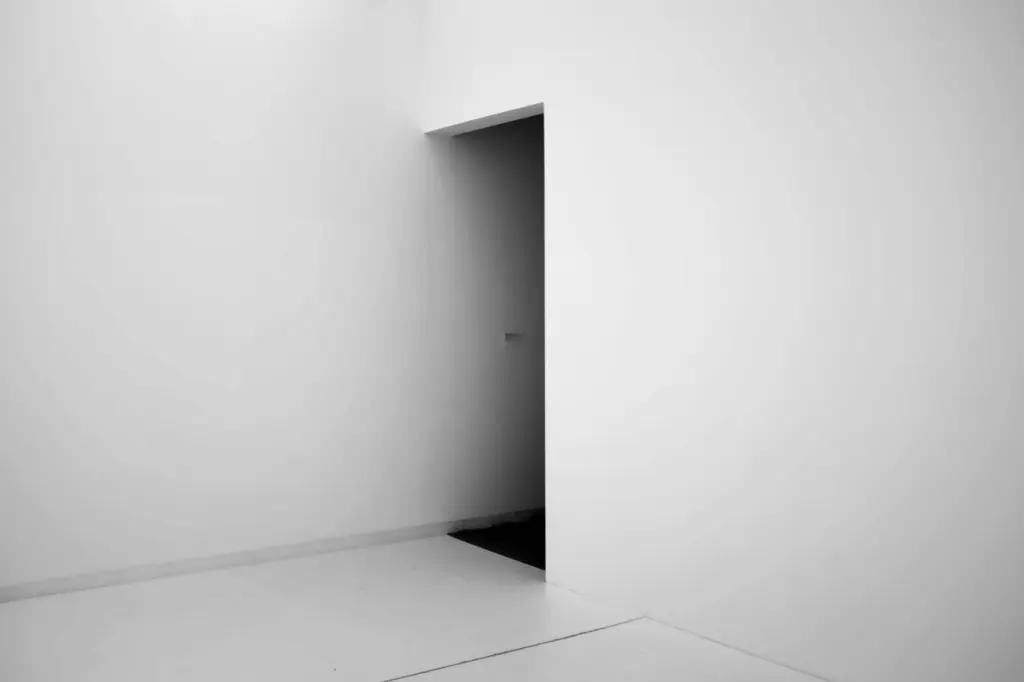
Feature extraction looks for corners in the image, so a plain wall gives it very little to follow. Long blank corridors, bare rooms and glossy uniform floors are the classic trouble spots.
Depth and scale
Limited depth acquisition is the second weakness named by the vendor. A depth camera or stereo pair reduces it, and a monocular setup needs the most scrutiny here. If the robot has to judge clearances, verify distances against a tape measure before trusting the map.
When a camera is the wrong sole sensor
Lidar has its own failure case: 2D LiDAR faces degeneracy in geometrically similar environments, according to a recent arXiv study. Repeating, similar-looking spaces can hurt a laser scanner, while bare walls and dim light can hurt a camera. The sensor comparison above shows why combining them is a common answer.
Troubleshooting a visual SLAM setup
When tracking is lost or the map looks wrong, work through the causes in this order, from cheapest check to biggest change.
- Check the lighting first. Compare the scene at the time of failure with the time of mapping, since lighting sensitivity is the best-documented cause.
- Look at what the camera sees. If the view is a blank wall, add visible markings or choose a route with more detail.
- Inspect the odometry settings. Placeholder covariance values degrade optimization, so replace them with realistic ones.
- Review loop closure ownership. Two systems both closing loops will conflict, as the ORB-SLAM and rtabmap discussion shows.
- Change the sensor last. If the room itself is the problem, move to stereo or a depth camera, or add another sensing method.
Visual SLAM is worth choosing when the rooms are textured and reasonably lit. Where they are not, plan a second sensor from the start.
Frequently asked questions
How does visual SLAM work using only a camera?
The robot uses pictures to figure out where it is and to create the map. It extracts features, estimates motion between frames, and corrects drift when it recognises a place it has seen before.
Do monocular and stereo cameras both work for visual SLAM?
Yes. Both are applied in visual SLAM according to a survey on PMC. Stereo supplies depth from two views, while monocular relies on a single image stream.
Can ORB-SLAM run together with rtabmap?
Yes, but only if ORB-SLAM’s loop closure detection is disabled and it works as a visual odometry node only.
Is lidar immune to the problems that affect cameras?
No. 2D LiDAR can degenerate in geometrically similar environments, so each sensor has conditions where it struggles.